
Customer Story / Manufacturing
Door panel manufacturer
From complex product questions to the right door panel, shown in the chat
A door panel manufacturer sells a large catalogue of aluminium and PVC panels to door makers, builders and distributors. Buyers arrive with technical requirements such as series, thickness, size limits, colour and glazing, and used to wait for a sales representative to check each one. Multibot put a B2B product chatbot on the company's website that searches the live product catalogue, reasons over the buyer's parameters, asks a clarifying question when something is missing and shows the matching panels as product cards. The team reviews conversations and keeps the catalogue and knowledge current in an administration portal.
- Buyers get answers at any hour. Technical questions about series, sizes, colours and glazing are answered on the website without waiting for a sales representative.
- Answers come from the real catalogue. The chatbot searches the company's own product data and knowledge base and never invents product codes, prices or lead times.
- Products are shown, not just described. Matching panels appear as product cards with a photo, key details and finish options, and can be compared side by side.
- The team improves it from real questions. Conversations, topics and intents are visible in the administration portal, so the team sees what buyers ask and updates the catalogue and knowledge.

24/7
Trade buyers get technical answers from the live catalogue at any hour, weekends included.
Product cards
Matching panels shown with a photo, details and finish variants, ready to compare.
Every chat
Topic, intent, sentiment and key product of each conversation in the administration portal.
Self-serve
The team imports and edits products in the administration portal without developers.
Included in every solution
Every Multibot solution comes with its own administration portal
The agents do the routine work in the background. The portal is where your team sees every item they handled, reviews the exceptions, approves changes and adjusts settings, with a full history of who did what.
- Live status of every item, from intake to completion
- Exceptions queued for your team's review and approval
- A full history of agent and team actions
- Users, rules and settings managed by your team
Every technical question waited for a sales representative
A catalogue with many series, sizes, finishes and rules is hard to search from a website
B2B buyers such as door makers and builders need exact answers: which series fits a given thickness, whether an oversize panel is possible, which colours and foils a series offers, and what glazing options exist. Each answer depends on rules that differ between product lines.
Those questions went to the sales team, so buyers waited and representatives spent time on routine lookups. Keeping product information current across the website and sales materials was manual work.
- Buyers arrived with detailed technical requirements across many product series.
- Size limits, finishes and glazing follow different rules for each product line.
- Routine product questions waited for a sales representative.
- Keeping product information current was manual work.
Automation Flow
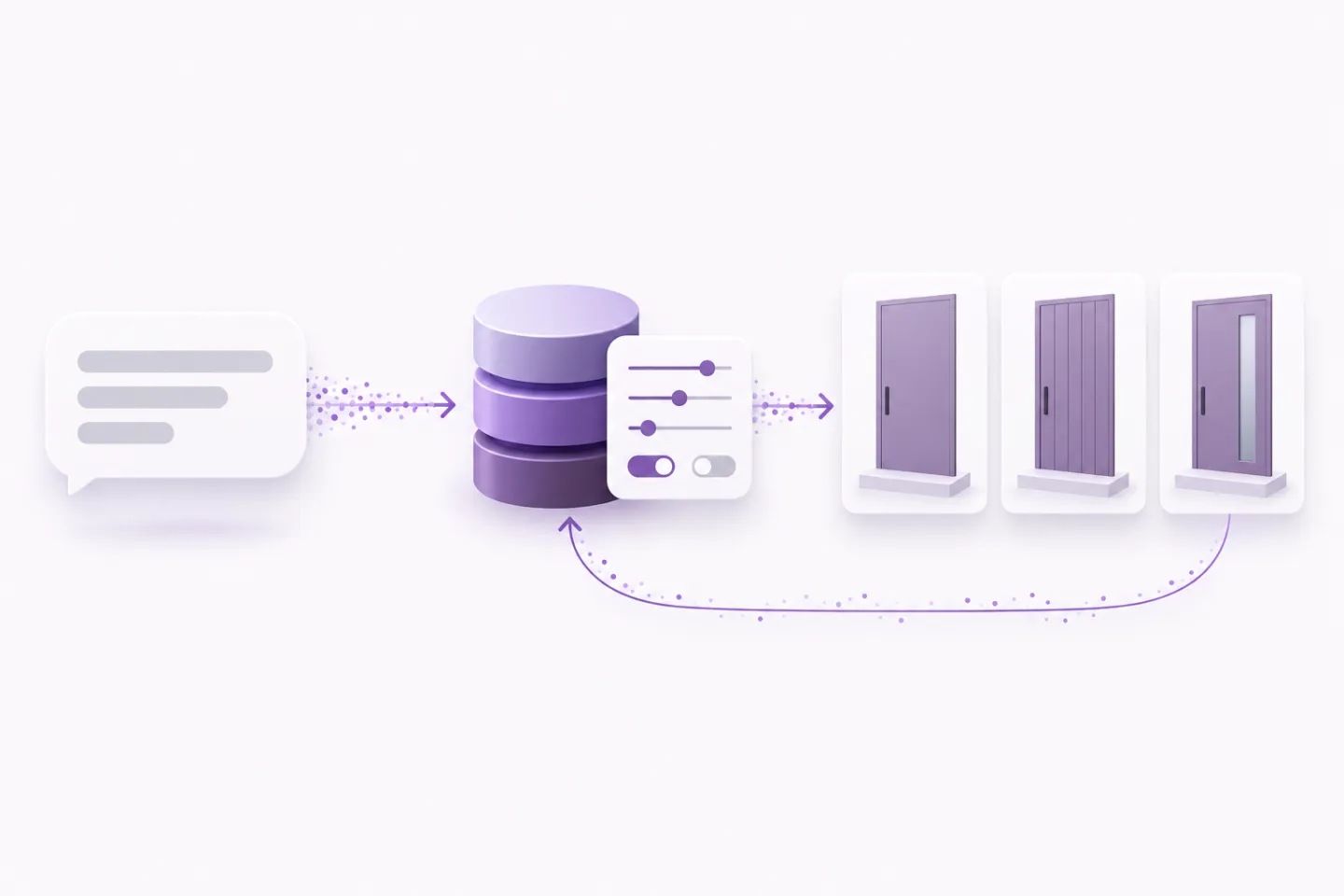
How the product chatbot answers a buyer
The chatbot works from the company's own catalogue and knowledge base, so every answer can be traced back to product data.
Capability Stack
What Multibot built for the door panel manufacturer
A website chatbot connected to the product catalogue, with product widgets in the chat and an administration portal for the team.
Catalogue-connected search
Searches products by free text and series, lists a whole series and looks up a single product with all its details.
Reasoning over complex parameters
Combines thickness, size limits, colours, foils and glazing rules to narrow down the right panels.
Product widgets in the chat
Shows product lists and product cards with photos, details and finish variants, with a details view and comparison.
Spreadsheet catalogue import
The team imports the product catalogue from a spreadsheet, and the previous version is kept as a backup.
Conversation insights
Volume, duration, sentiment, daily activity and top topics show what buyers ask about.
Grounded, on-brand answers
Clear rules stop the chatbot from inventing product codes, prices or lead times.


Administration Portal
An administration portal for the catalogue and every conversation
The team runs the chatbot from an administration portal. They import and edit the product catalogue, compare products in a grid view and maintain the knowledge sources the chatbot uses.
A dashboard shows conversation volume, sentiment and top topics, and each conversation opens with its topic, intent, required action, key product and full transcript. Each user has their own login and role.
- Import and edit the product catalogue without developers.
- Maintain the knowledge sources behind every answer.
- See conversation volume, sentiment and top topics on a dashboard.
- Open any conversation with its intent, required action and key product.
- Preview the chatbot and manage users and roles.
Outcomes
What the door panel manufacturer got back
Buyers can check products and specifications on the website at any hour, the sales team spends less time on routine lookups, and the company can see what buyers ask about.
Availability
24/7 product support
Routine technical questions are answered at any hour instead of waiting for a sales representative.
Accuracy
Answers grounded in the catalogue
Every answer comes from the live product data, and the chatbot never invents codes, prices or lead times.
Experience
Products shown in the chat
Buyers see matching panels as cards they can open and compare.
Insight
Real questions shape the catalogue
Top topics and conversations show where product information needs improving.
Build your own product assistant
If buyers still wait for answers your catalogue already holds, a product chatbot can answer them now.
Multibot can connect your product data, rules and knowledge to a website chatbot with product widgets and an administration portal your team controls.